Mac Photo Organization Training
Learn to group pictures by event, year, or client, and compare lookalikes before you remove a copy.
For individuals and businesses
Learn how to clean up Mac files and organize documents, photos, and folders yourself. MacStartup publishes practical guides and offers file organization training and educational consultations for individuals and businesses.
MacStartup is an independent education resource and is not affiliated with Apple Inc., MacPaw, or CleanMyMac.
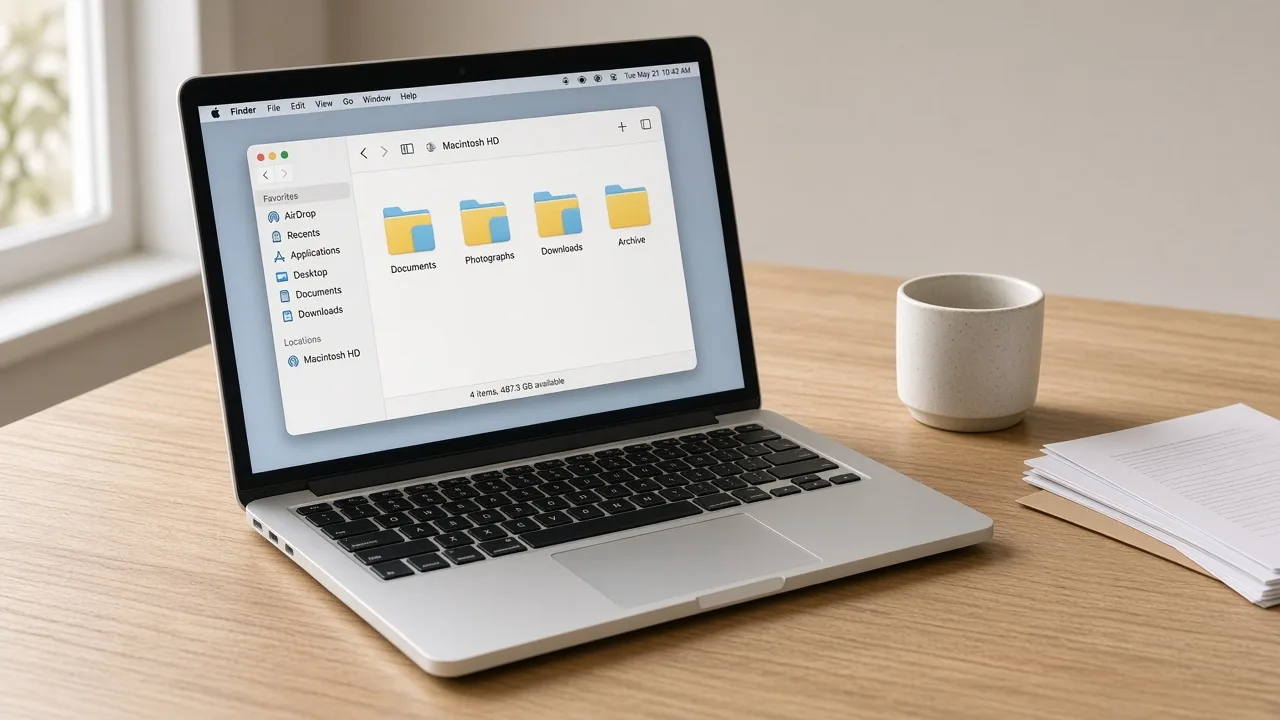
Your files
Digital file organization starts with the materials you saved: documents, photographs, downloads, and project folders. Mac storage cleanup, in these guides, means learning to look at the space those user files occupy and giving them a structure you can describe.
A clear folder map helps a household and a small team in the same way. Current work stays visible. Older material can move into an archive. The lessons are not a repair of the computer, and MacStartup does not delete files on your Mac.
Mac Storage Management Guidance and Mac File Organization Training are the two broad starting points.
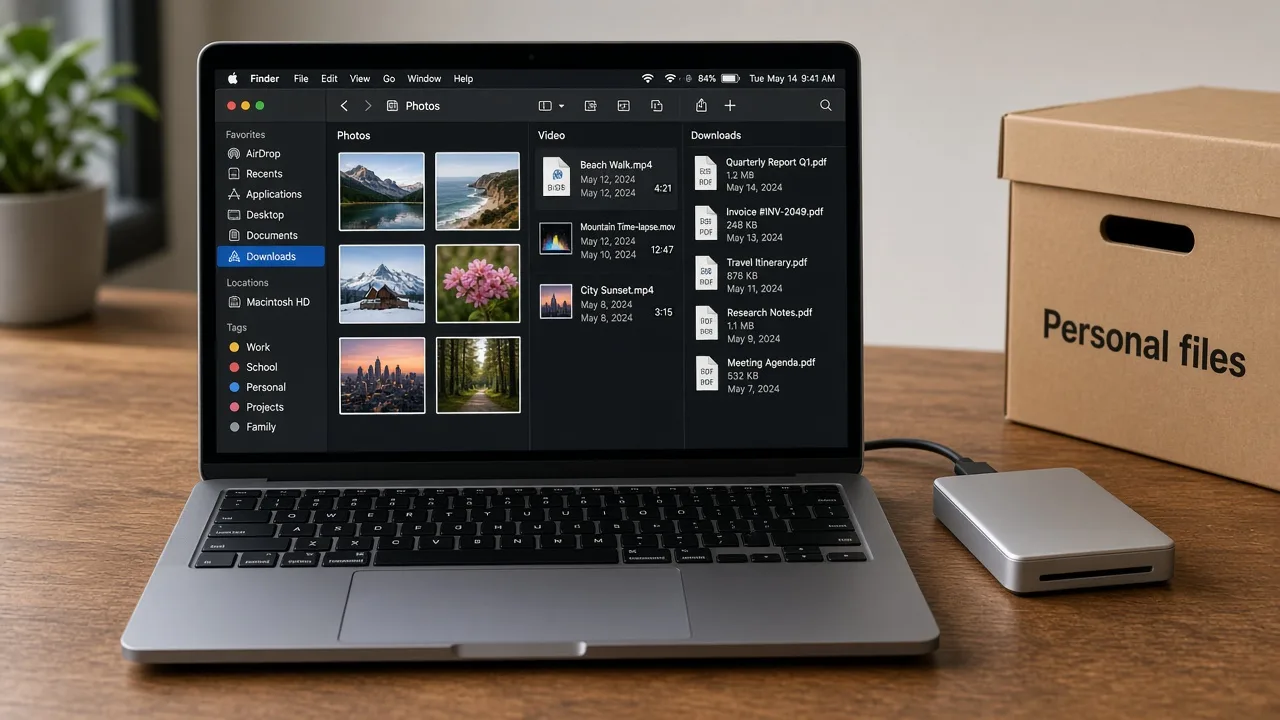
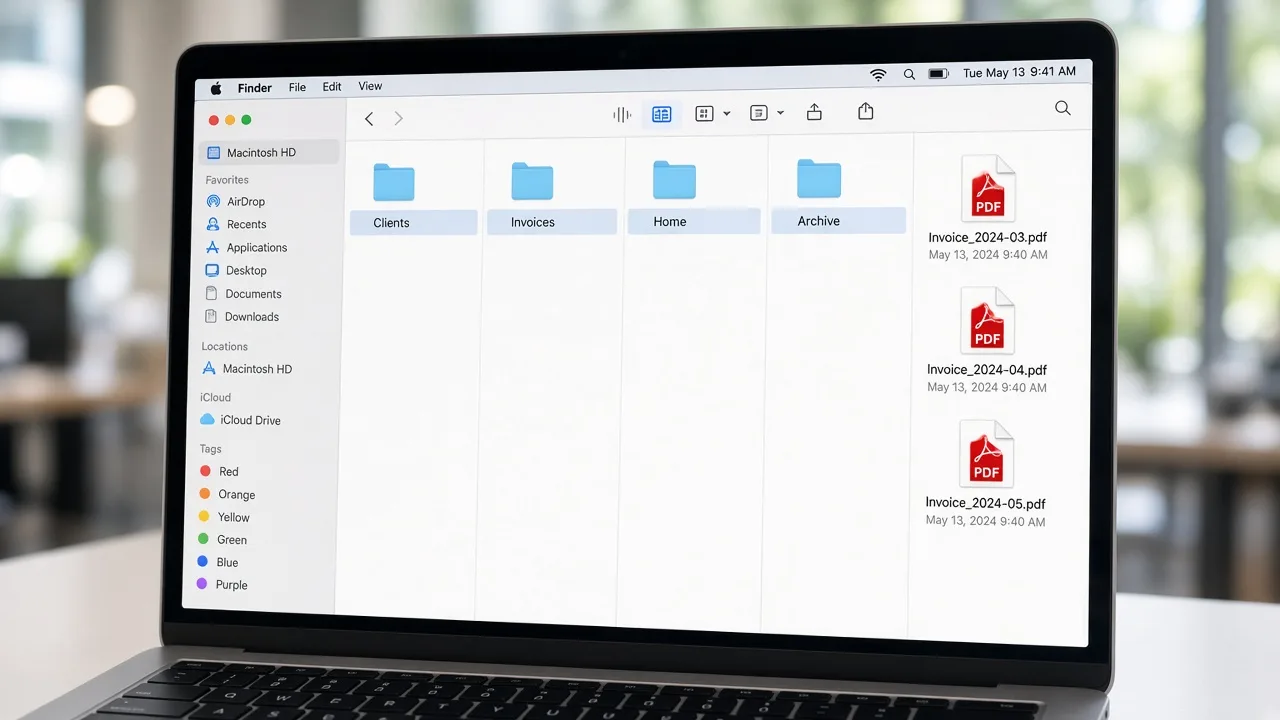
Method
To clean up Mac files, name the folders you already trust and move one project at a time. Mac cleanup here means grouping what you created—receipts with receipts, a client’s drafts with that client—not running a utility against the disk.
Services
Choose the collection you want to learn. Each page is training you apply yourself, not a software download and not work done on your Mac.
Learn to group pictures by event, year, or client, and compare lookalikes before you remove a copy.
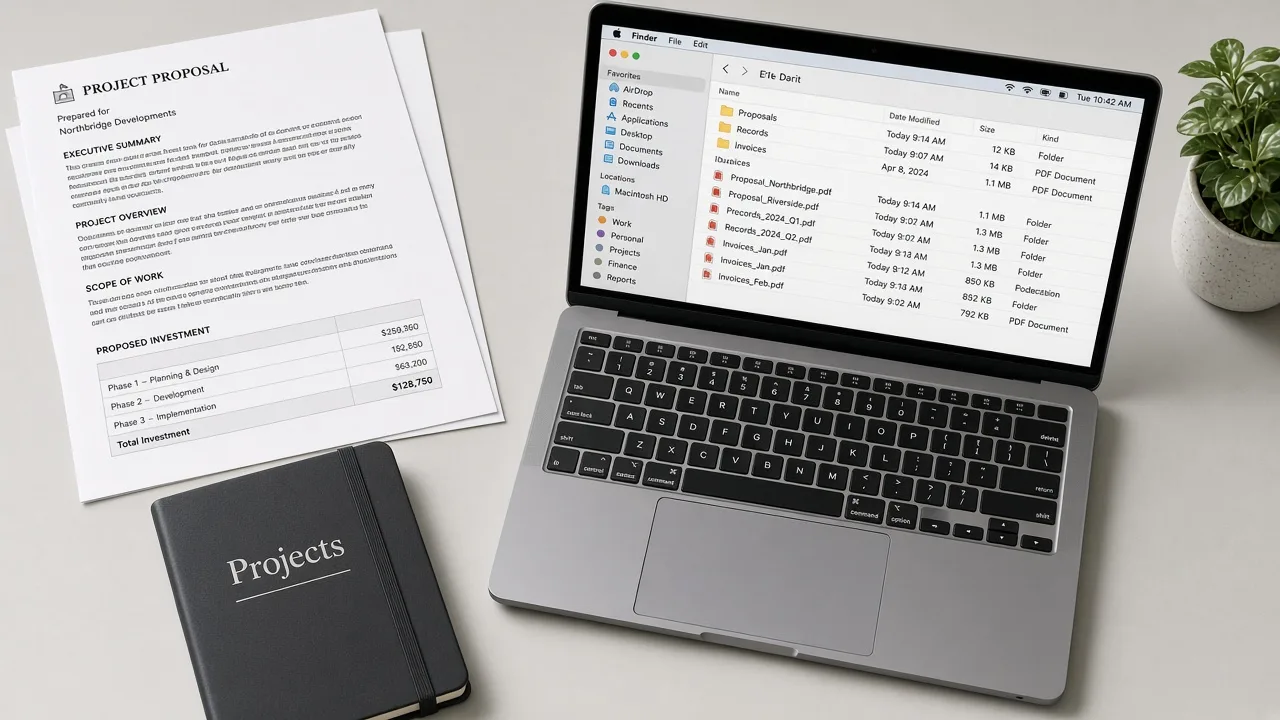
Learn to put working documents and older records in folders a colleague or family member can follow.
Learn to move everyday drop-zones into a few folders, and keep unidentified files until you recognize them.
Choices
A Mac cleaner tool is software you install. It offers actions based on its own rules. Manual cleanup means you open your folders and decide what each file is. MacStartup is a third path: training that teaches you how to make those decisions yourself.
Those paths are not the same product. MacStartup does not develop cleaning software, does not ask you to install one, and does not organize files on your Mac.
A separate product
CleanMyMac is a third-party application from MacPaw. A search for “Clean My Mac” is often a choice between that kind of software and sorting your own files. MacStartup is neither the publisher nor an authorized partner. MacPaw has not endorsed this site.
Cleanup software and Mac file organization answer different questions. One is an application with its own interface. The other is a skill: you learn a plan for the documents, photos, and folders you name, then you apply it. Read theindependent CleanMyMac and manual cleanup guidebefore you treat them as interchangeable.
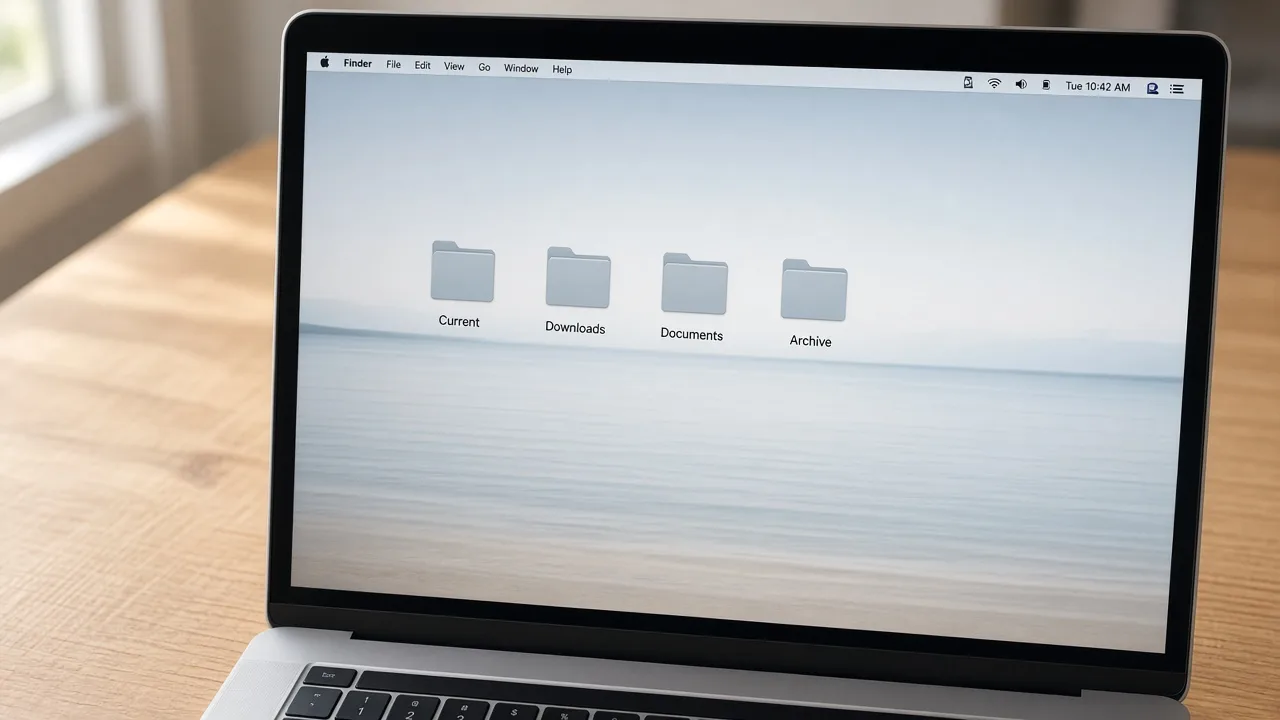
Space used by your files
Freeing space, in this context, means reviewing large user files, filing downloads, identifying copies you recognize as duplicates, archiving older documents, and setting aside personal files you no longer want. System folders are not part of that list.
Some descriptions call this kind of filing Mac Optimization or a way to Speed Up Mac. Making files easier to find is a learning outcome. It does not guarantee a faster computer, and MacStartup does not sell acceleration, repair, or error correction.
Back up first. The free-up-space guide walks through the checks.
FAQ
What the training covers, and what a form submission does not do.
How to organize user-created and user-saved files: documents, photographs, downloads, desktop items, and the folders around them. Training and guides are for individuals and businesses who want to do that work themselves.
No. MacStartup publishes cleanup education and file organization training. It is not a cleanup application, and it is not affiliated with Apple or MacPaw.
No. A submission asks for a review. Training or a consultation is discussed first. Nothing is booked from the form, and MacStartup does not organize files on your Mac.
Not as a promise. Learning to put files in order can make them easier to manage. It is not repair, Mac optimization as a speed guarantee, or a promise to speed up Mac performance.
You do, on your own Mac, if you decide a file should go. MacStartup does not delete files on your device. Keep a backup before you remove anything important.
Both. Describe whether the files are personal, commercial, or mixed so the examples do not treat them as the same collection.
Guides
These articles show how to group files, review storage, and free space used by your own materials.
A practical way to group Mac files into folders you can keep using, without deleting anything you have not checked.
Review storage used by your own files, with backup steps before you delete downloads, exports, or duplicates.
Free space by reviewing large personal files, downloads, and archives. This is not a promise of a faster computer.