Mac File Organization Training
Training for sorting personal and business files into a structure you maintain yourself.
Training
Learn how to turn a pile of pictures into sets you can name: a trip, a job, a year, a person.
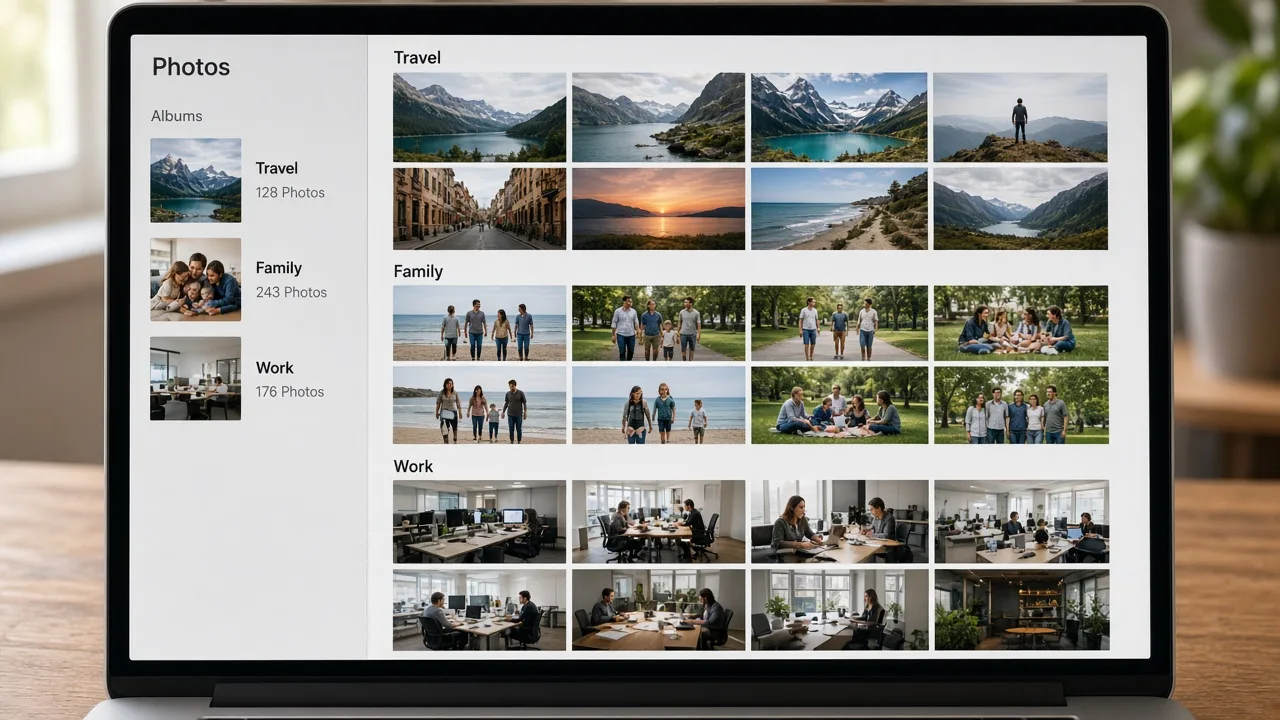
Photo organization training covers image files you store on the Mac: exports, scans, camera cards copied into folders, and pictures sitting on the desktop. The aim is groups and names you understand, not a score for how many files were removed.
If you also use the Photos app, the training explains what to consider before you change that library. MacStartup does not merge libraries or delete originals. Pictures that look alike still need you to confirm they are the same shot.
A family archive, client shoots, or a mix changes the grouping you practice.
You identify desktop dumps, Downloads, and external copies before anything moves.
You check names and examples before you make a large move.
A duplicate stays until you delete it. Training does not remove it for you.
The photograph shows an example of grouped albums. It is not a view of your library and not a product screenshot.
Practical limits of the guidance, including what is not included.
No. You make any change in Photos. The training explains the decision; it does not edit the library.
Yes. You can practice grouping client shoots by job name or date. You still choose any file you remove.
No. The result is a library you can browse. It is not a performance service.