Mac Storage Management Guidance
Guidance for seeing which of your files use space, and for choosing what you keep.
Training
Learn a folder structure you can explain to yourself six months from now.
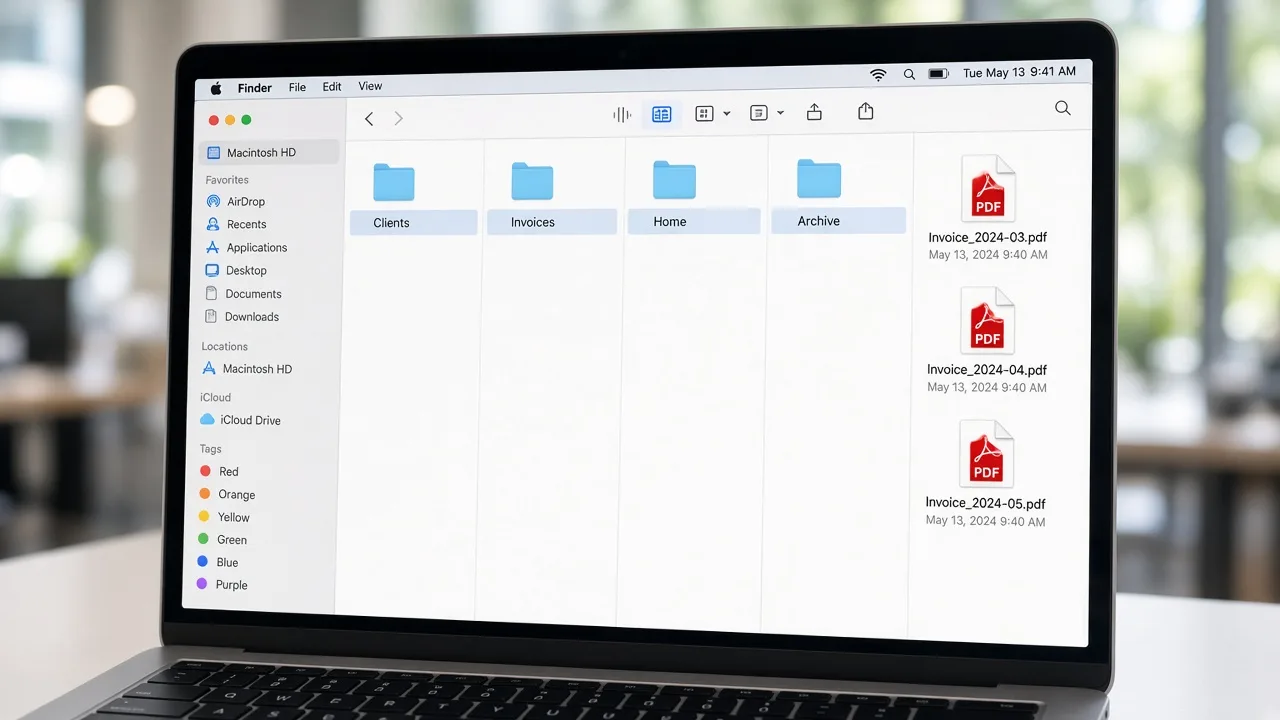
Mac file organization training teaches digital housekeeping for content you created or saved: documents, exports, downloads, and project folders. You learn how to arrange those materials so the next person who opens the Mac—often you—can tell where a file belongs.
This is education, not computer repair, software installation, or a cleanup application. MacStartup does not ship a tool that rearranges a disk, and it does not organize files on your device. A consultation request is reviewed first. You make any moves yourself after the approach is agreed.
Tell us which folders feel unreliable and who else uses them.
Documents, photos, exports, or a mix—the lesson depends on what is actually there.
You see the suggested structure before you rearrange anything.
You move or keep files. Follow-up stays inside the scope that was agreed.
The photograph shows an example folder layout on a laptop. It is not your screen and not software MacStartup provides.
Practical limits of the guidance, including what is not included.
Yes. The guides explain a basic sort. Training is optional when a collection is larger than you want to untangle from an article alone.
No. You decide what to remove, on your own device. Training does not include signing in to your Mac.
Yes. The same request covers personal archives and business files. The folder examples follow the way that group already talks about its work.