Training

Mac Document Organization Guidance

Learn how to find the current version of a document without opening five files named “final”.
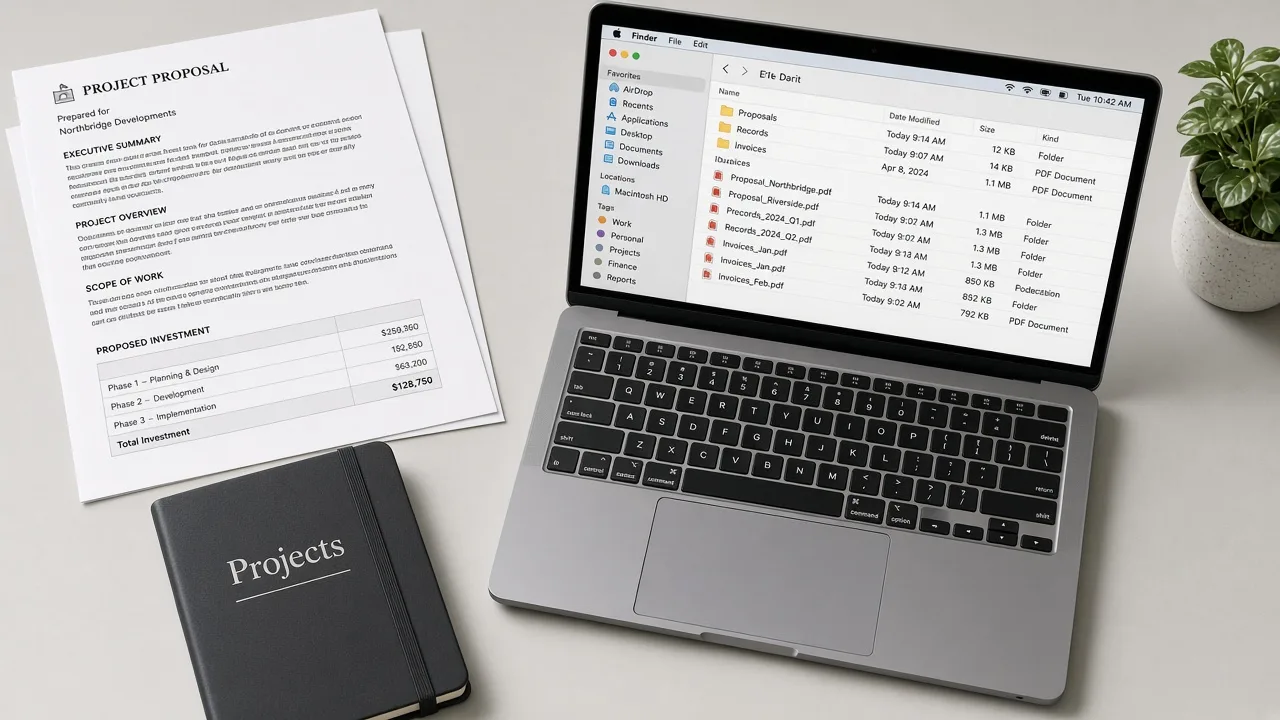
The photograph shows example project documents and folders. It is not a screenshot of a filing product.

Document guidance for people and teams

Document organization guidance is for files you write, sign, scan, or receive: proposals, records, school papers, invoices, and reference PDFs. Individuals learn to separate life admin from everything else. Businesses learn a predictable place for a job or a client.

The guidance does not give legal, tax, or compliance advice about which records you must keep. It teaches you how to arrange the files you choose. MacStartup does not delete a document on your Mac.

Where documents usually get lost

  • Email attachments were saved once and never filed
  • Several “final” versions sit side by side
  • Scans landed on the desktop and stayed there
  • Personal paperwork and company files share one Documents folder

What document guidance can include

  • A split you can make between active work and older records
  • Folder-name examples based on client, project, year, or household topic
  • A way to mark the copy you consider current
  • An archive location for documents you are not ready to delete
  • Follow-up inside an agreed scope

How a document guidance request proceeds

  1. 1

    List the kinds of documents

    Invoices, contracts, creative files, or household records each need a different shelf.

  2. 2

    Agree a naming pattern

    A short pattern is easier to keep than a clever one.

  3. 3

    Practice on a sample

    One project or one year shows whether the map works before you move the rest.

  4. 4

    Archive or delete yourself

    Old versions stay until you decide a specific file can go.

The photograph shows example project documents and folders. It is not a screenshot of a filing product.

What changes after documents have a home

The photograph shows example project documents and folders. It is not a screenshot of a filing product.

  • Point to the working copy more easily
  • Keep finished records out of the active folder but still findable
  • Let a new teammate follow the names
  • Make personal and business papers less likely to mix

Before you remove a file

  • Keep a backup before you move records you cannot easily download again.
  • Retention rules for a business are yours to decide. This guidance does not invent them.
  • Learning to organize documents does not include repairing macOS or installing software.

Questions about this training

Practical limits of the guidance, including what is not included.

Can this cover a small business and a personal Mac?

Yes. Say which collections are personal and which belong to the business so you do not file them together by accident.

Do you decide which contracts I can throw away?

No. You decide what to keep. Guidance can only suggest groups. It does not delete files for you.

Will identical file names be merged automatically?

No. You learn to flag same names and open them. They are not merged or deleted on their own.

Related training

Request Mac Document Organization Guidance

Describe what you want to learn. Submitting the form does not confirm a booking, and MacStartup does not organize files on your Mac.