The process
How MacStartup Works
From scattered files to a workspace you can maintain. Learn how a consultation request is reviewed, how a training scope is agreed, and how you organize documents, photos, and folders yourself.
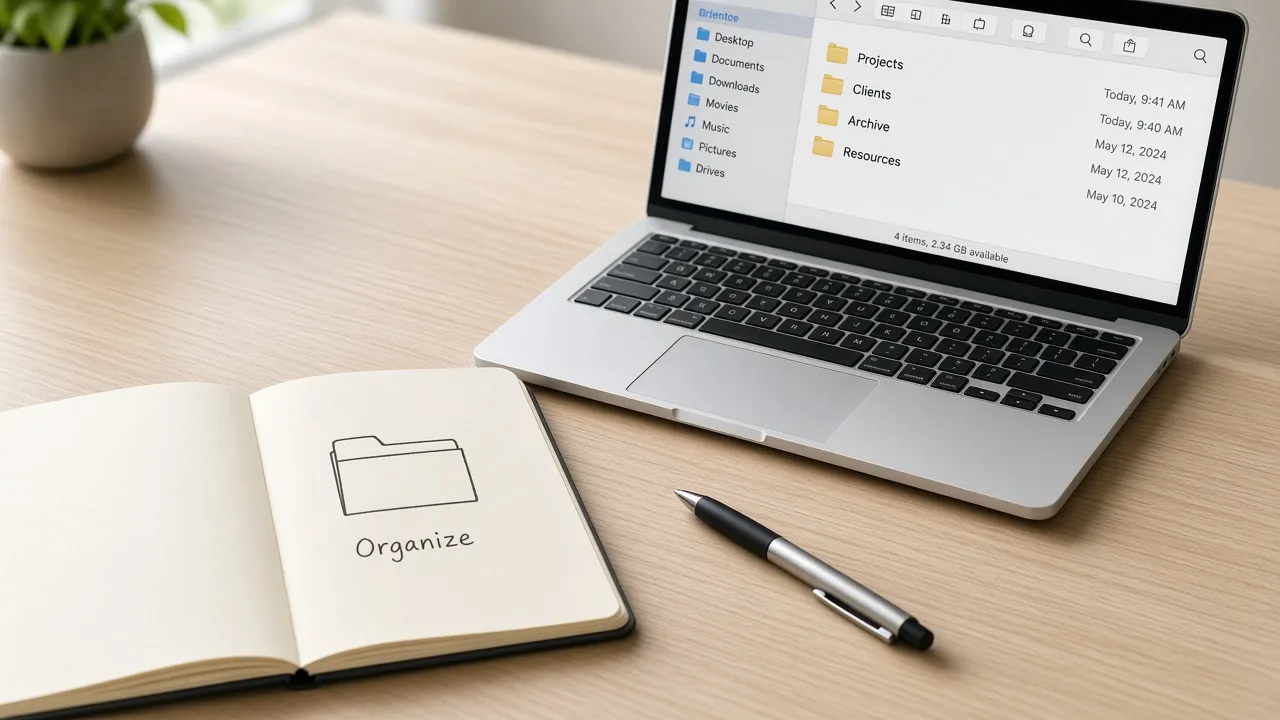
A Simple Process for Better File Organization
Tell Us What You Want to Learn
Share whether you want to learn document folders, photo collections, a crowded desktop, or a broader workspace.
Share Your Project Details
Describe the kinds of files, the rough size of the collection, and what you hope to be able to do yourself.
We Review Your Request
We read the request and discuss whether a guide, training, or a consultation fits. No response time is guaranteed.
Agree on the Learning Scope
Before guidance begins, you agree the topics and any follow-up. A form submission is not that agreement.
Organize Your Own Files
You apply the approach on your Mac. MacStartup can answer follow-up questions inside the agreed scope and does not move files on your device.
What Can You Learn to Organize?
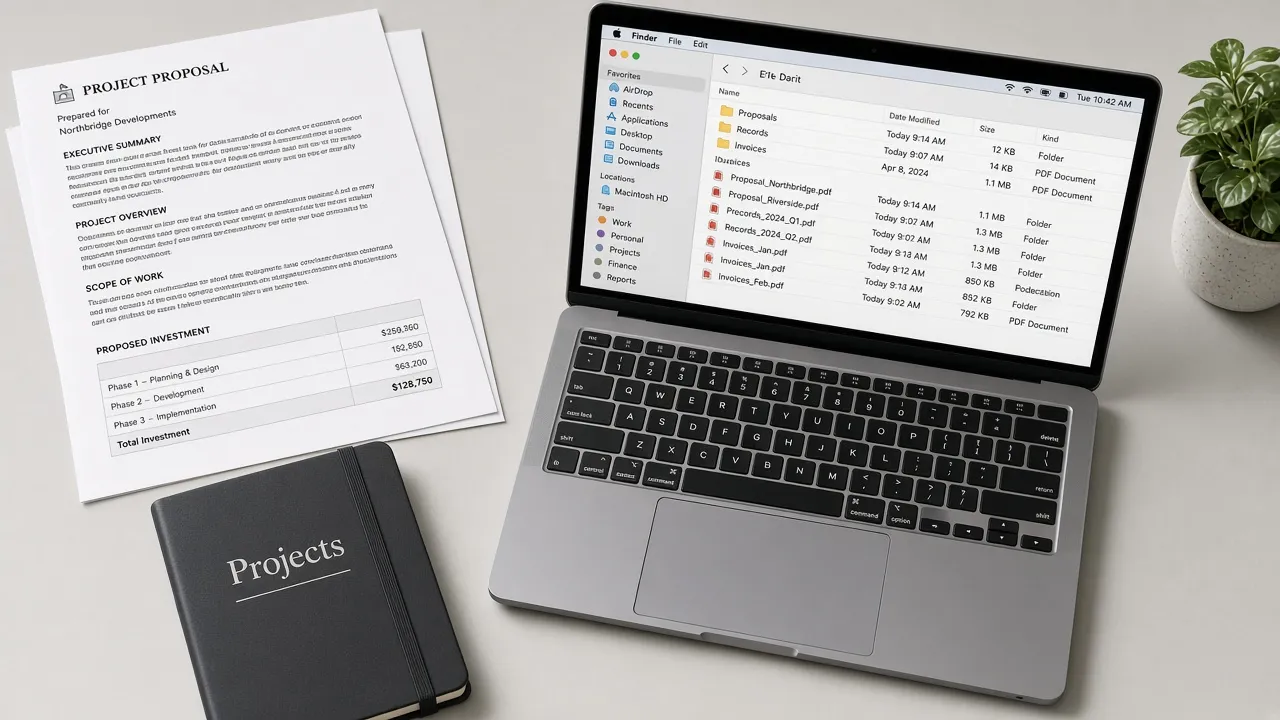
Documents & PDFs
Learn to group proposals, records, and everyday paperwork into folders you can follow.
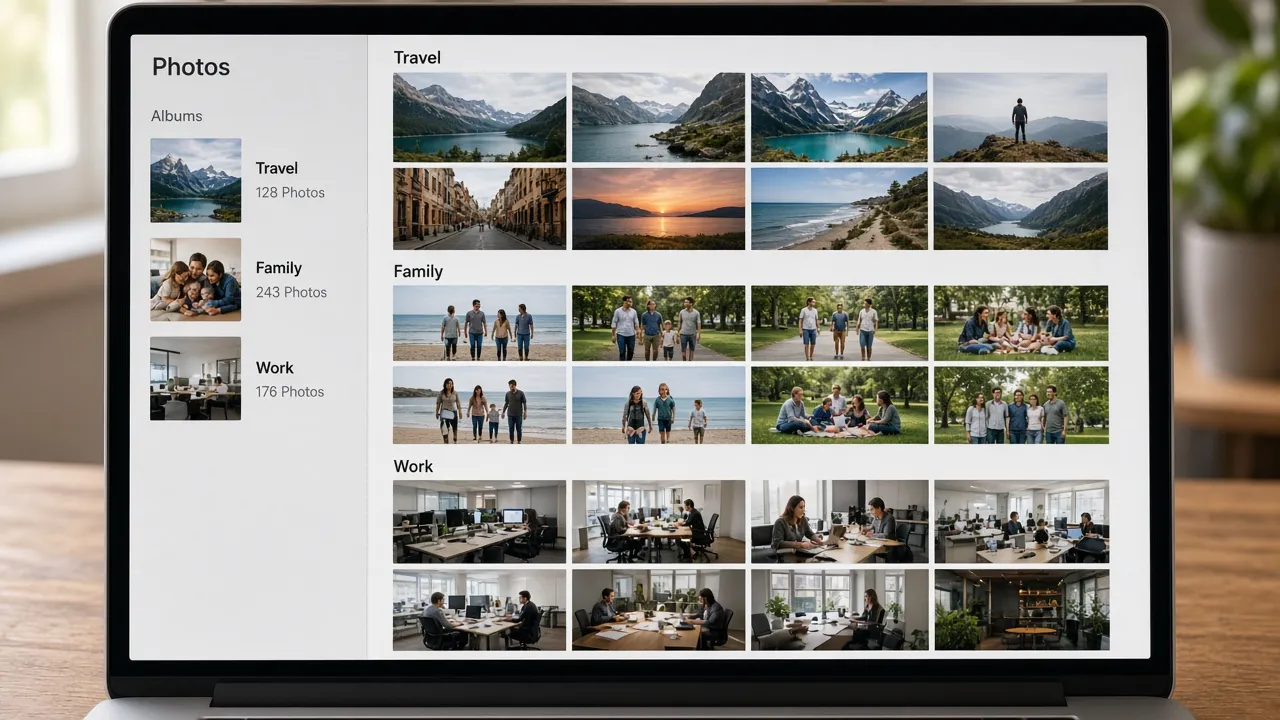
Photos & Albums
Learn to sort pictures by event, year, or client so a collection is easier to browse.
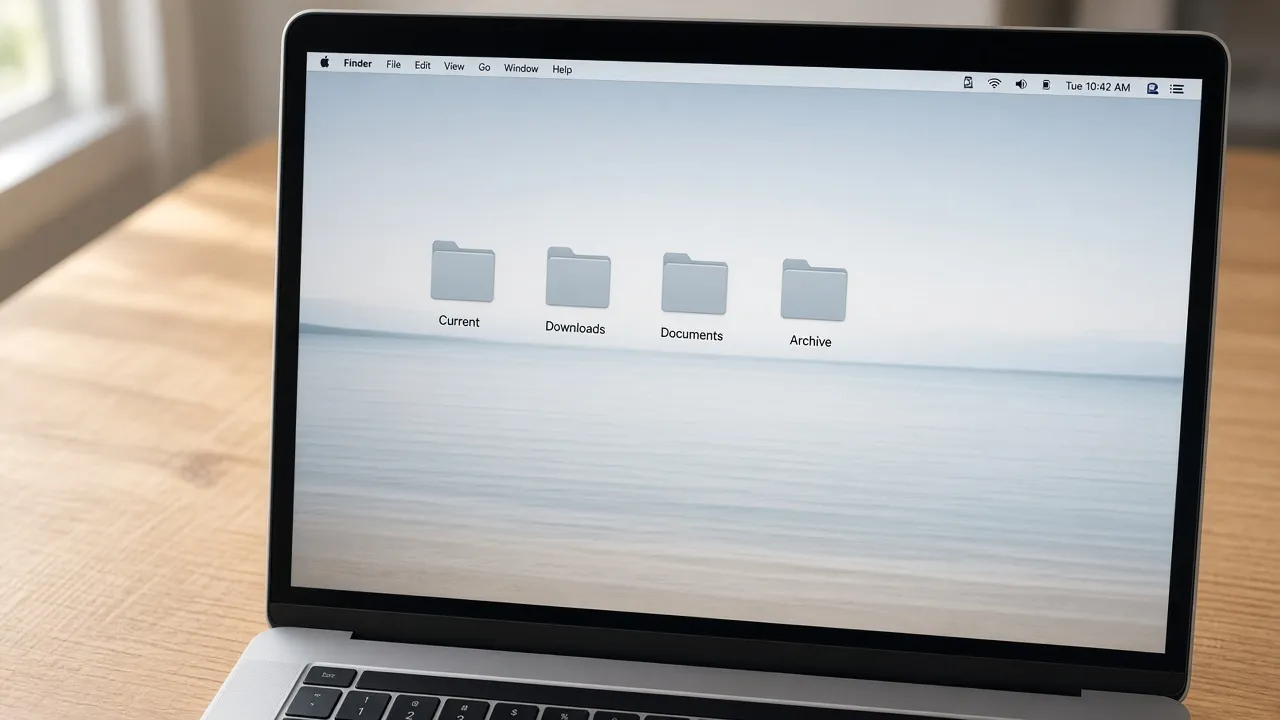
Desktop & Downloads
Learn a few clear destinations for the desktop and Downloads instead of one shared pile.
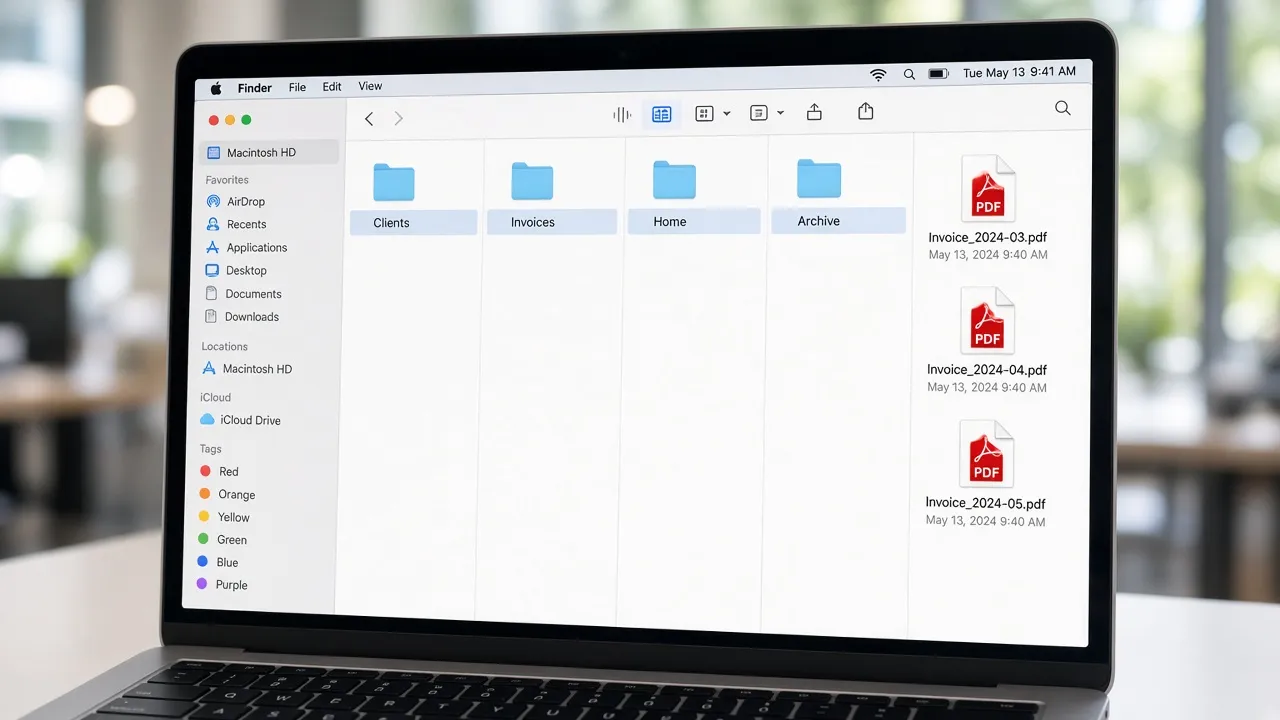
Digital Archives
Learn how to set finished projects aside in an archive that still makes sense later.
Your Files, Your Decisions
You organize your own files. Suggested changes are discussed before you apply them. MacStartup does not sign in to your Mac, and it does not remove files from your device.
Start Your Request
Ready to Learn File Organization?
Tell us what you want to learn. We review the request and discuss whether training or a consultation fits.
Submitting a request does not confirm a booking or a consultation agreement.