Training

Mac Storage Management Guidance

Learn which of your files are using the space before you throw anything away.
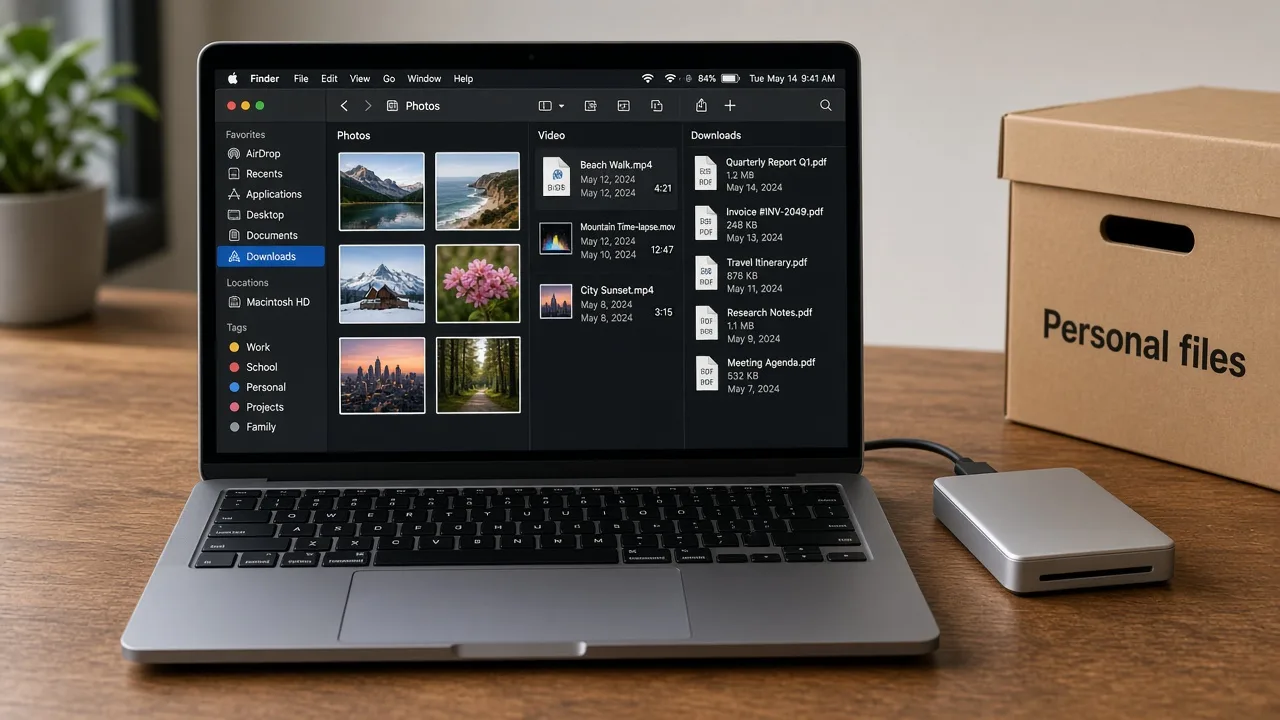
The photograph shows an example review of photos, videos, and downloads. It is not a live reading from your Mac and not a MacStartup application.

Storage guidance means your files, not the system

Mac storage cleanup, in this guidance, means learning to review space occupied by files you saved: downloads, video exports, disk images you already installed, duplicate folders, and archives that no longer match a current project.

macOS can show storage categories in System Settings. Those categories are a starting point for your own review. They are not an instruction to delete everything in a large group. MacStartup does not provide disk-cleaning software and does not delete files on your Mac.

Why storage reviews stall

  • The storage summary is large, but the files inside it are unfamiliar
  • Several copies of one export sit in different folders
  • Old installers and disk images were never cleared after use
  • It is unclear which personal files are safe to remove

What the guidance can include

  • How to read storage categories that relate to your personal files
  • How to spot unusually large personal files and obvious duplicate sets
  • A way to separate items to archive from items you might delete
  • A reminder to back up and decide yourself before any removal
  • Follow-up questions inside an agreed scope

How a guidance request proceeds

  1. 1

    Start from a backup

    Confirm you can restore personal files before you change them.

  2. 2

    Read the storage picture

    Learn to use the categories macOS already shows, then look inside folders you own.

  3. 3

    Mark candidates yourself

    You list large files and likely duplicates so you can open and compare them.

  4. 4

    Decide one item at a time

    Nothing is deleted for you. A consultation does not authorize a sweep.

The photograph shows an example review of photos, videos, and downloads. It is not a live reading from your Mac and not a MacStartup application.

What careful storage review is for

The photograph shows an example review of photos, videos, and downloads. It is not a live reading from your Mac and not a MacStartup application.

  • See which personal files account for the space
  • Stop letting downloads and old exports hide finished work
  • Keep an archive for material you are not ready to delete
  • Give later cleanups a smaller, named set of folders to check

Before you remove a file

  • Do not delete files in system folders to chase free space.
  • Emptying Trash is the point after which recovery is much harder without a backup.
  • Freeing space used by your files is not a guarantee of a faster Mac.

Questions about this training

Practical limits of the guidance, including what is not included.

Do you install a Mac cleaner for this?

No. The guidance uses storage information already on the Mac and decisions you make. Cleanup applications are separate products.

Will large files be deleted for me?

No. You choose any deletion. A large file is not removed because of its size alone.

Does this include virus removal or repair?

No. This is storage education. It is not technical support or computer repair.

Related training

Request Mac Storage Management Guidance

Describe what you want to learn. Submitting the form does not confirm a booking, and MacStartup does not organize files on your Mac.